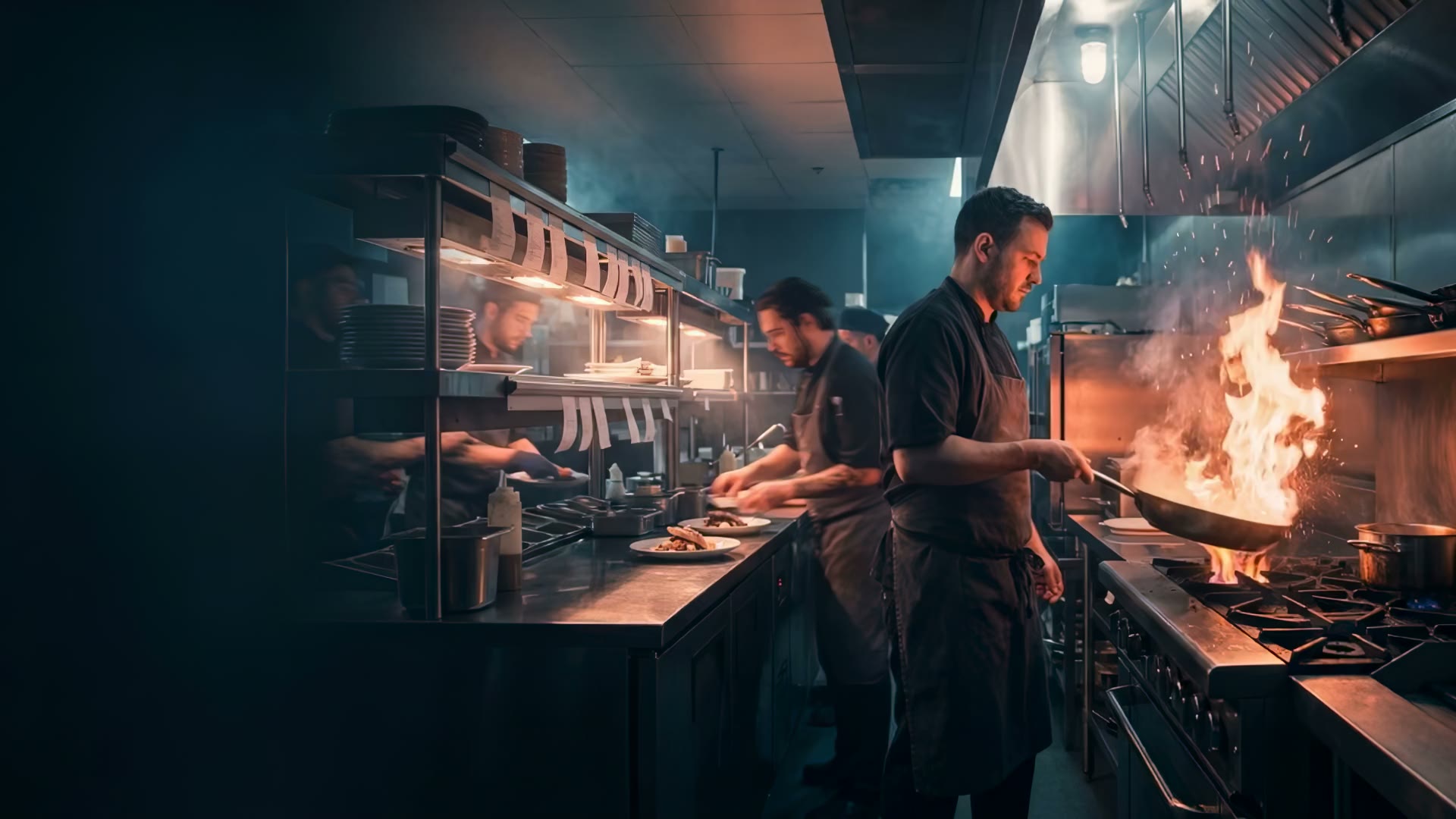

Kitchen — Prep lane
6 tickets
Builtfortheline. Notthespreadsheet.
4-lane KDS with urgent borders. Live timer per ticket. Bump buttons sized for messy fingers. Station routing for prep / grill / expo. Designed by a 10-year Domino's veteran.
Field note
A restaurant operator on what changed after the workflow went live.
“Ticket time dropped 4 minutes on day one. After two weeks we were 6 minutes faster than paper. The urgent flag alone caught 3 tickets that would have walked.”
Live in minutes.
The shortest path from setup to a workflow your team can use during service.
- 01
Journey 1
Plug in a screen
iPad, Android tablet, browser kiosk. 5 minutes.
- 02
Journey 2
Set lanes + station routing
Defaults work. Customize per-dish if you have multiple stations.
- 03
Journey 3
Train the line in 10 min
Tap to bump. Red border = hurry. That's the whole thing.
Feature questions
Straight answers about the kitchen display system.
What the kitchen display system does, what setup requires, and which outcomes still depend on the restaurant.
What does a kitchen display system do?
A KDS presents incoming orders to the kitchen in a structured digital workflow so stations can see items, timing, and order status.
How should orders be routed across kitchen stations?
Routing should reflect your real line: menu categories, prep stations, modifiers, expo responsibilities, and fallback steps when a device is unavailable.
What hardware is required for the KitchenRush KDS?
Hardware needs depend on station count, mounting, connectivity, and service conditions. Confirm supported devices and any separate hardware costs before launch.
Which order sources can appear on a kitchen display system?
That depends on the order sources and connections currently supported. Map each source, duplicate prevention, routing behavior, and fallback before replacing an existing kitchen ticket path.
What happens to kitchen orders during an internet or device outage?
Define a tested fallback for receiving, acknowledging, preparing, and reconciling orders when a screen, network, or upstream service is unavailable during a shift.
Paper tickets are the bottleneck.
Drop ticket time by 4–6 minutes on day one. Every line we've ever measured.